Why Cursor IDE Is Replacing VS Code (And What That Means for Non-Coders Like You)
Cursor IDE hit $2B and is challenging VS Code for the first time. Here's what Cursor, Google Antigravity, and 'vibe coding' really mean — explained for non-coders.
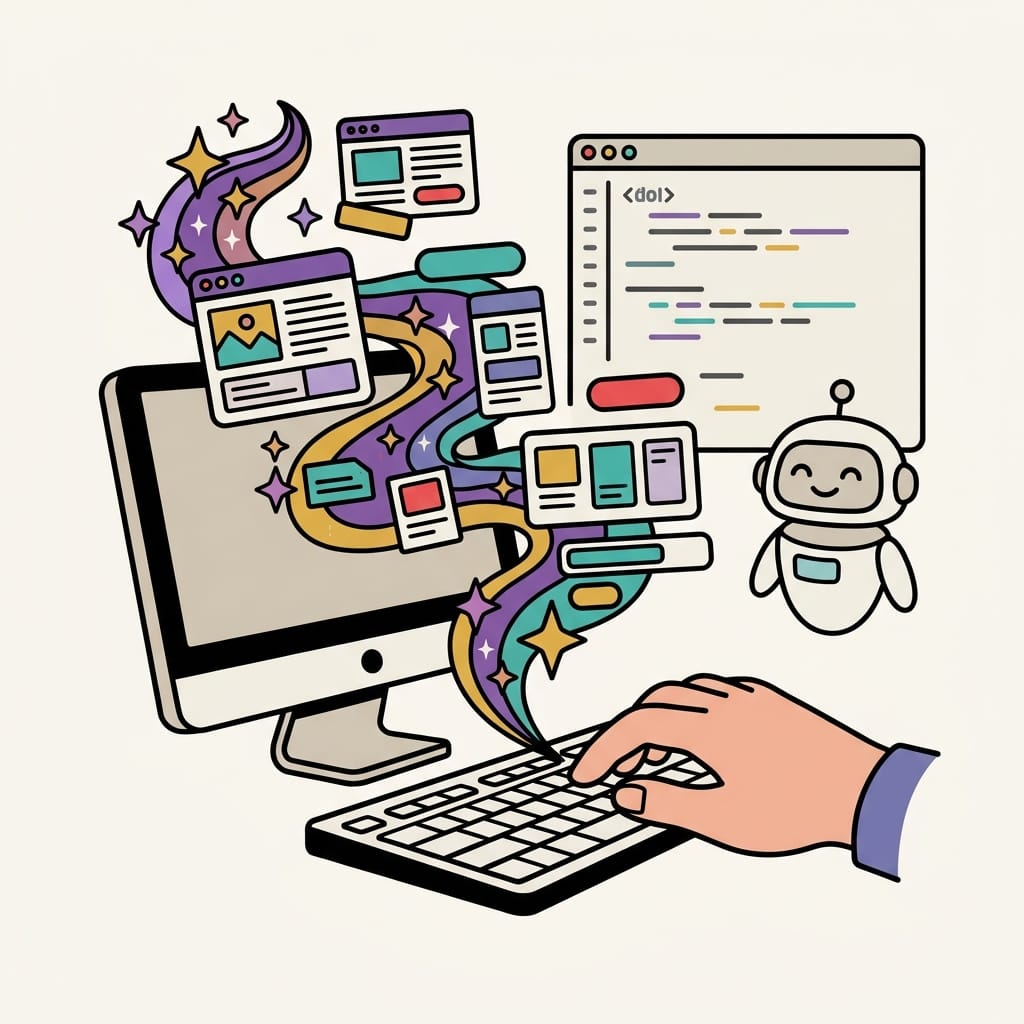
If you've been anywhere near tech Twitter or LinkedIn lately, you've probably seen someone mention Cursor. Maybe you thought it was just another developer tool — the kind of thing that has nothing to do with you because you don't write code.
But here's the thing: that's exactly why you should pay attention.
The way people build software is changing fast. And for the first time, that change is opening the door to people who have never written a single line of code in their lives. Let me break it down.
What Is Cursor IDE (and Why Is Everyone Talking About It)?
Cursor is a code editor — basically, the app developers use to write software. Think of it like Microsoft Word, but for code. For years, the most popular one was called VS Code, made by Microsoft. It was free, powerful, and used by millions of developers around the world.
Then Cursor showed up and started eating its lunch.
Cursor was built by four MIT students who basically asked: what if the editor itself was smart? Instead of building something from scratch, they took VS Code as a foundation and embedded AI into every single layer of it. Your file system, your search, your terminal — all of it powered by AI.
The numbers are wild. Cursor went from $1M in revenue to $100M in about 12 months. Then $500M. Then $1 billion. Then $2 billion in annualized revenue by early 2026 — doubling in just three months. Analysts call it one of the fastest-growing software companies ever.
Today, Cursor holds about 18% of the AI coding assistant market and is used by over half of the Fortune 500.
So What Happened to VS Code?
VS Code didn't disappear. It still has about 28% market share among all developers globally and over 100 million users on GitHub. Microsoft isn't going anywhere.
But VS Code's dominance as the default — the thing every developer just automatically opened — is being challenged for the first time. Cursor isn't a plugin you add to your existing setup. It is the setup. And that's a fundamentally different product.
The analogy I like: VS Code is like a really good calculator. Cursor is like a calculator that also understands what you're trying to figure out and walks you through the math.
Enter Google Antigravity — The Wildcard Nobody Expected
Just when Cursor was starting to feel like the obvious winner, Google dropped something in late 2025 called Antigravity.
Google Antigravity is built into Google AI Studio and it's a browser-based, fully AI-powered development environment. You describe what you want to build in plain English, and the AI builds it — frontend, backend, all of it — without you writing a single line of code manually.
No downloading anything. No learning a new interface. Just: describe your idea, and watch it appear.
The early demos were impressive enough to shake up the rankings. By early 2026, indie hackers on X were calling the combination of Claude + Supabase + Google Antigravity the "$0 stack" — meaning you could ship a real app for basically nothing, faster than ever before.
And it's free to use.
That matters a lot for who gets to build things next.
What Is "Vibe Coding" — And Why Is It the Word of 2025?
Here's where it gets fun.
"Vibe coding" is a term coined by Andrej Karpathy — former Tesla AI director and one of the smartest people in AI — in early 2025. Collins Dictionary literally named it Word of the Year for 2025.
The idea is simple: instead of telling a computer exactly what to do in precise technical language (which is traditional coding), you describe the feeling and intent of what you want. You say something like:
"I want a dashboard that feels like Notion but for tracking my UGC pitches."
And the AI figures out the technical details.
Vibe coding is not a toy or a gimmick. In 2025 alone, non-technical founders built over 3.2 million production-grade apps using AI tools this way. These are real products that real users are paying for.
This is the shift: coding used to require years of technical training. Vibe coding requires the ability to describe what you want clearly. That's a skill most people — including you — already have.
Why This Matters If You're Not a Developer
Let me connect the dots, because this is the part that actually changes things for creators, marketers, and small business owners.
- The barrier to building is gone. Tools like Cursor, Google Antigravity, Lovable, and Bolt.new mean that the gap between "I have an idea" and "this thing exists" is now measured in hours, not months. You don't need a developer on retainer to build a simple web app, a client portal, or a custom tool for your business.
- "I don't know how to code" is no longer a complete excuse. This isn't about becoming a developer. It's about understanding that the tools now meet you where you are. If you can write a clear brief for a designer or a clear prompt for an AI image generator, you can build something functional.
- This is a massive content opportunity right now. Most people explaining these tools are talking to developers. Your audience — non-coders, curious people, creators — is being completely ignored in this conversation. The search volume is growing and the content gap is real.
- Understanding this makes you a better client and collaborator. Even if you never build anything yourself, knowing what's possible with these tools changes how you brief developers, how you evaluate proposals, and how you budget for tech.
SEO + AEO: Why This Topic Is Gold for Your Blog
A quick meta-note, because I talk about AI strategy here:
Writing about topics like Cursor vs. VS Code, vibe coding, and Google Antigravity right now is strategic — not just because they're trending, but because they're being asked about constantly in AI search engines like Perplexity, Google AI Overviews, and ChatGPT.
AEO (Answer Engine Optimization) is the practice of writing content that AI answer engines will cite when someone asks a question. The way to win it? Write clear, factual, human-first content that leads with direct answers, covers a topic comprehensively, and shows genuine expertise.
This article is an example of that approach. A non-coder Googling "what is Cursor IDE" or "what is vibe coding for beginners" should land here and leave with a real answer, not a wall of jargon.
The Quick Takeaway (For When You're Skimming)
- Cursor IDE is an AI-native code editor that's grown to $2B in revenue and is challenging VS Code's dominance for the first time.
- VS Code (by Microsoft) is still massive, but no longer the automatic default it once was.
- Google Antigravity is a browser-based, free tool inside Google AI Studio that lets anyone build apps just by describing what they want.
- Vibe coding means describing software in plain language and letting AI write the actual code — Collins' Word of the Year 2025.
- None of this requires you to be a developer. It requires you to be clear about what you want.
What I Actually Use (Honest Take)
I'm not a developer. I learned AI tools by doing — through Gemini API, Google AI Studio, and Claude — and I've built things I never thought were possible for someone without a CS degree.
Tools like Cursor are built for developers right now. But Antigravity and the growing vibe coding ecosystem? That's built for people like us. People who have ideas, have context, have taste — and just need the right tool to meet them where they are.
If you're curious about how to actually start building things with AI without touching real code, that's what I write about here. Subscribe to stay in the loop — AI, real life, and everything nobody's telling you. 🔥
Katia Solis Chaudhry is a bilingual AI educator and content creator based in Seattle. She helps non-technical people understand and use AI tools through heykatia.com.